Why AdSense RPM differs by country and device, and how to read the country and platform reports
Key takeaways
- AdSense earnings are set by an auction, so RPM in a country depends on how many advertisers target users there and how much they bid.
- The country dimension in AdSense reports is the region of the user viewing the ad, not the publisher's location.
- Google states that the revenue share percentages are the same regardless of publisher location, so country differences come from advertiser demand, not from the share.
- The platform dimension groups traffic into types such as Desktop and High-end mobile devices, and device differences combine demand, layout and ad load.
- Google does not publish RPM averages by country or device, so your own reports are the only valid baseline.
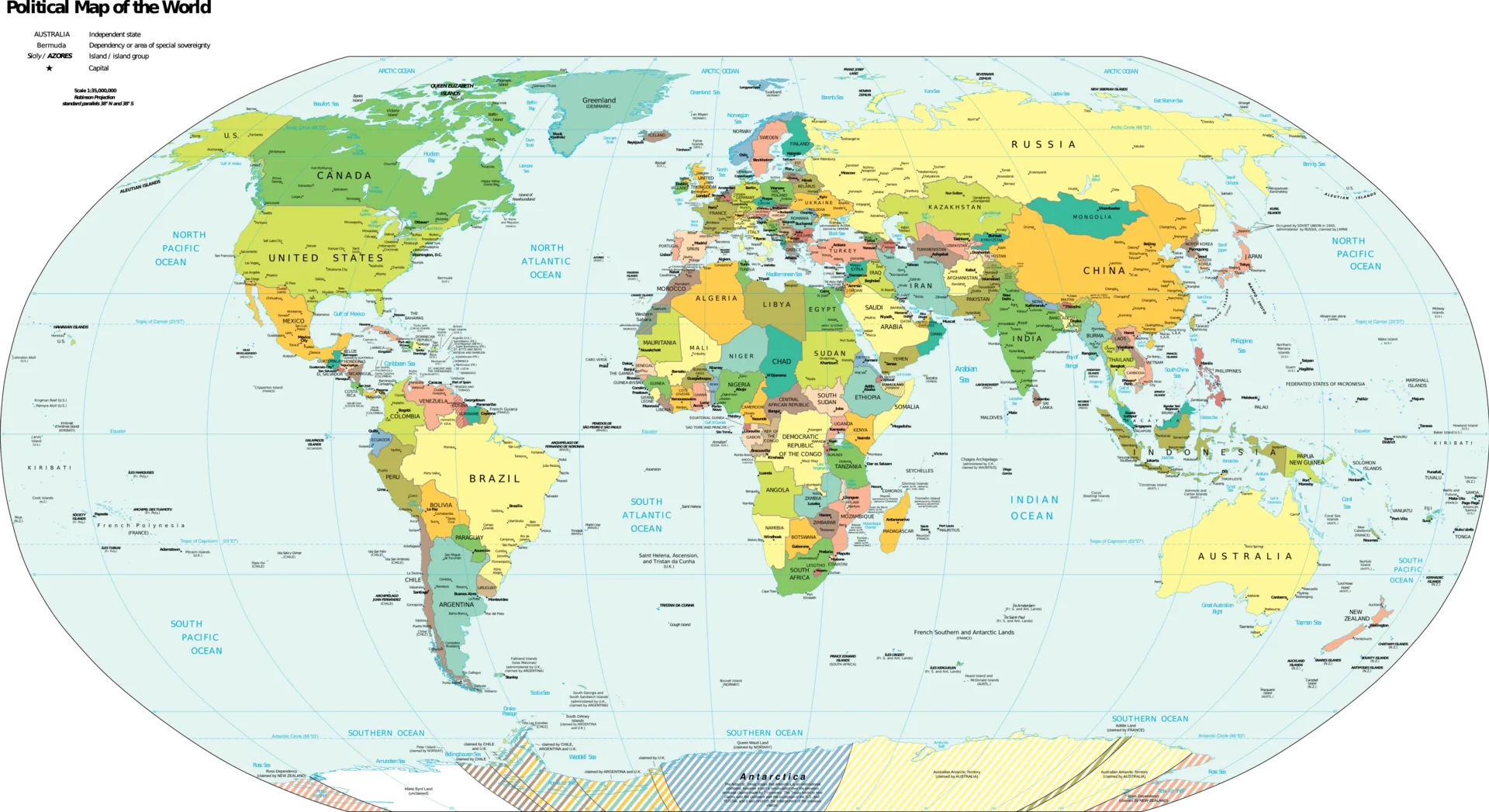
The same page earns different RPM in different countries and on different devices because each impression is sold in an auction, and advertisers decide where and on what devices they want to appear and how much to pay. More competing advertisers means higher winning bids. Google’s revenue share does not change with location, so the differences come from demand, plus your own layout and ad load on each device.
Why does RPM depend on the visitor’s country?
Google’s help pages describe the parts of the mechanism:
- How AdSense works: AdSense “works by matching ads to your site based on your content and visitors,” and “since these advertisers pay different prices for different ads, the amount you earn will vary.”
- About the ad auction: “the more advertisers that bid to appear on your ad space, the higher the competition is for your ad units, and the more you can earn.”
Advertisers target campaigns by location. A visitor in a market where many advertisers compete for attention enters a crowded auction; a visitor in a market with fewer active advertisers enters a thinner one. Your content, ad slot and revenue share are identical; the bids are not.
What is not a cause
Google’s revenue share page says the percentages “are the same regardless of publisher location” and are not averaged between publishers. Neither your country nor your audience’s country changes the share you receive. See AdSense revenue share.
Local rules change the advertiser pool
Some ad categories depend on the user’s location. Google’s page on sensitive categories notes, for example, that gambling ads are only shown to users in regions where gambling is legal, that birth control ads are only seen by visitors from your country and only as permitted by law, and that some categories are not available in every country. Fewer eligible categories can mean fewer bidders.
Why does RPM differ by device?
Google does not publish device-level RPM explanations or averages. The differences you see usually combine three effects, and your reports can separate them:
| Effect | What changes between devices | Metric that shows it |
|---|---|---|
| Advertiser demand | Some campaigns target mobile, desktop or both, with different bids | Impression RPM by platform |
| Layout and ad load | A desktop sidebar may hold ads that mobile layouts hide; mobile may show anchor ads | Impressions per page view by platform |
| Visibility and engagement | Scrolling patterns and screen size change how long ads are on screen | Active View viewable by platform |
Since page RPM equals impression RPM times impressions per page view, a mobile page RPM below desktop can come entirely from showing fewer ads per page, with similar prices per impression. That calls for a layout decision, not a conclusion about mobile advertisers. Viewability by device is covered in Active View viewability.
How do I read the country and platform reports?
The AdSense Management API dimension reference documents what the report dimensions mean, which is useful even if you only use the web interface:
| Dimension | Official description | Example values |
|---|---|---|
Country (COUNTRY_NAME, COUNTRY_CODE) |
Region name or CLDR region code “of a user viewing an ad” | “United States”, “France”; “US”, “FR” |
Platform (PLATFORM_TYPE_NAME, PLATFORM_TYPE_CODE) |
Platform type | “High-end mobile devices”, “Desktop”; “HighEndMobile”, “Desktop” |
Operating system (OS_TYPE_NAME) |
Operating system type | “Windows”, “MacOS”, “Android” |
Browser (BROWSER_TYPE_NAME) |
Browser type | “Google Chrome”, “Firefox”, “Safari” |
Note that “Country” is the user’s location. Many publishers assume it is theirs.
A five-step reading method
- Open Reports, select a period of at least four weeks, and break down by country.
- Sort by estimated earnings, not RPM. A country with a high RPM and a handful of page views does not matter much; one with a modest RPM and most of your traffic matters a lot.
- Show page views, impressions, page RPM and impression RPM for each row. Compute impressions per page view to spot rows where fewer ads load.
- Repeat with the platform breakdown, then combine (for example, one country by platform) if your top country dominates.
- Compare with the same period last year before drawing conclusions, because seasons differ by market. See AdSense seasonality.
The general report workflow, including saved reports and exports, is in the AdSense reports guide.
Worked example (hypothetical numbers)
These figures are invented round numbers for illustration only. They do not describe any real country or device.
| Segment | Page views | Impressions | Earnings | Impressions per page view | Impression RPM | Page RPM |
|---|---|---|---|---|---|---|
| Market A, desktop | 20,000 | 60,000 | $180 | 3.0 | $3.00 | $9.00 |
| Market A, mobile | 40,000 | 80,000 | $200 | 2.0 | $2.50 | $5.00 |
| Market B, mobile | 60,000 | 120,000 | $120 | 2.0 | $1.00 | $2.00 |
Reading it:
- Market A mobile versus desktop: most of the page RPM gap (from $9.00 to $5.00) comes from loading fewer ads per page (3.0 vs 2.0), only a smaller part from price ($3.00 vs $2.50). A layout review is worth more than worrying about mobile demand.
- Market B: same ad load as Market A mobile, but impression RPM is lower. That is a demand difference you cannot change with layout.
- Market B still brings $120. Low RPM traffic is still revenue, and it is often the audience that sustains your site.
Do language and targeting type play a role too?
Two more report dimensions help explain country differences, both documented in the AdSense Management API dimension reference:
| Dimension | Example values | Why it matters across countries |
|---|---|---|
| Targeting type | “Contextual”, “Personalized”, “Run of Network” | The share of personalized ads depends on consent and local privacy rules, so it can differ by market |
| Buyer network | The ad network that returned the winning ads, such as “Google AdWords” | Shows whether demand comes from Google’s buy-side or other buyers in each market |
| Content platform | “AMP”, “Web” | Useful if some markets reach you mostly through one format |
Consent is the clearest example. In regions where Google requires consent for personalized ads, the mix of personalized, non-personalized and limited ads can change auction outcomes. That topic is covered in personalized, non-personalized and limited ads. Break down one country by targeting type to see whether its RPM gap is about demand or about the type of ads that can serve.
Language of the ad, not of the site
Some controls follow the language of the ad rather than your audience’s country. Google’s category blocking pages state that general and sensitive category blocking only works for ads in supported languages, regardless of the language of your site. If you block categories and your audience spans several languages, the effect can differ by market. See blocking controls.
What can you actually do about it?
| Lever | Within your control? | Notes |
|---|---|---|
| Advertiser demand in a country | No | Set by advertisers and markets |
| Your content and topics | Yes | Topics draw different advertisers |
| Mobile layout and ad load | Yes | Test with experiments |
| Viewability on each device | Yes | Placement, lazy loading, reserved space |
| Language of the content | Yes | Determines which audiences can find you |
| Buying traffic from chosen countries | Not advisable | Risk of invalid traffic and policy action |
Common mistakes
- Reading the country report as your location. It is the viewer’s region.
- Chasing RPM rows with tiny volume. Sort by earnings.
- Blaming mobile demand for a layout issue. Check impressions per page view first.
- Buying traffic to “fix” the country mix. See traffic sources policy.
- Quoting averages from forums as targets. Google does not publish RPM averages by country or device.
Frequently asked questions
Why do visitors from some countries earn more than others?
Because AdSense sells each impression in an auction, and advertisers choose which countries to target and how much to bid. Where many advertisers compete for users, the winning bids, and your impression RPM, tend to be higher. Google's revenue share is the same regardless of publisher location, so the difference comes from the advertisers, not from Google's cut.
Does my own country affect my AdSense RPM?
The country in AdSense reports is the location of the user viewing the ad, not yours, and Google states that revenue share percentages are the same regardless of publisher location. What matters is where your audience is. Some ad categories also depend on local law, which can change the set of eligible advertisers.
Why is my mobile RPM lower than desktop?
There is no single official reason. Mobile and desktop can differ in advertiser demand, in how many ad units your layout shows per page, in viewability and in how users interact with ads. Split the gap into impression RPM and impressions per page view for each platform to see whether it is a pricing or a layout difference.
Should I target traffic from high-RPM countries?
Write for the audience you can serve well. Buying traffic from specific countries to raise RPM is risky: low-quality paid traffic can be treated as invalid traffic, and clicks from it are removed. Google's traffic source policies apply regardless of country, and your earnings are only as good as the traffic is genuine.
Sources
- About the ad auction · Google AdSense Help
- How AdSense works · Google AdSense Help
- AdSense revenue share · Google AdSense Help
- Dimension (AdSense Management API reference) · Google for Developers
- Block sensitive categories in AdSense · Google AdSense Help
Related guides
- AdSense seasonality: why RPM changes through the year and how to read it without panicking
Why AdSense RPM moves through the year: advertiser budgets, auction competition and the Q4 to January swing, with official retail data and a way to read it calmly.
- Page RPM vs impression RPM: why they differ and which one to track
Why page RPM and impression RPM move differently, the formula that links them, and how to use both to diagnose AdSense revenue changes correctly.
- AdSense reports: dimensions, metrics, saved reports, CSV exports and finding what changed
How AdSense reports work: breakdowns and metrics with official definitions, saved reports, CSV exports via the Management API, and a method to find what changed.
- How AdSense pays: CPC vs CPM bids, the auction, and why earnings per click vary
How CPC, CPM and Active View CPM bids compete in the AdSense auction, how smart pricing adjusts bids, and why earnings per click change from day to day.