Prebid.js and header bidding: how it works and what AdSense publishers should know
Key takeaways
- Prebid.js is a free, open-source (Apache-2.0) library that runs a header bidding auction in the browser before the ad server is called; version 11.51.0 was the latest on npm in November 2026.
- In the usual setup, Prebid.js passes the winning bids to an ad server such as Google Ad Manager as key-values (hb_pb and related keys), and the ad server makes the final decision.
- That setup needs ad server line items targeted on price buckets, which is why Prebid documentation is written around ad servers and does not mention AdSense.
- Prebid also exists server side as Prebid Server, available in Go and Java versions.
- Whether and how header bidding can run alongside AdSense on the same page is a Google policy question; check the AdSense Help Center and your agreement rather than relying on third-party advice.
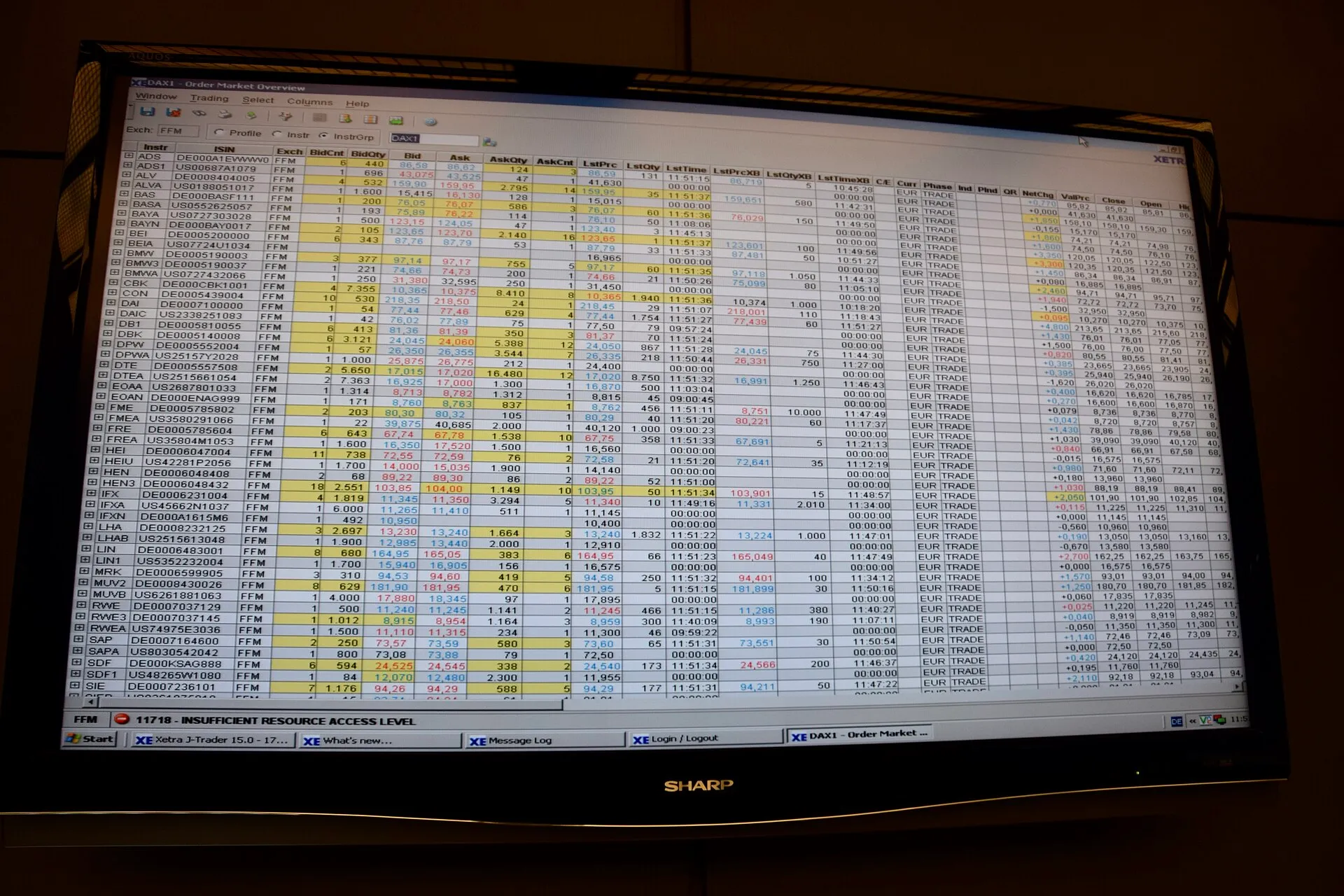
Prebid.js is a free, open-source JavaScript library that runs a header bidding auction in your visitor’s browser: several demand partners bid at the same time, before your ad server is called, and the best bids are passed to the ad server to compete with your other demand. It is built around ad servers like Google Ad Manager, not around AdSense alone.
What problem does header bidding solve?
Without header bidding, an ad server calls demand partners one after another in a fixed priority order (the “waterfall”). A partner lower in the chain never gets a chance to outbid one higher up. Header bidding asks many partners at once and lets their real-time bids compete.
The Prebid introduction describes Prebid as a free, open-source set of tools that collects bids before the ad server is called, after which the ad server makes the final decision; alternatively, Prebid can be the complete decision layer. Prebid comes in two main forms:
- Prebid.js, which runs in the browser.
- Prebid Server, which runs the auction on a server, available in Go and Java versions. It is used for apps, AMP, video and to move auction work off the page.
The project is maintained by Prebid.org, and the Prebid.js code is on GitHub under the Apache 2.0 licence. Version 11.51.0 was the latest npm release when this guide was written.
How does Prebid.js work on a page?
The Prebid.js overview and the ad server integration page describe the usual flow:
- The page defines ad units: a slot code, its sizes or media type, and a list of bidders with their parameters (supplied by each partner).
- Prebid.js sends bid requests to all bidders in parallel and waits until they answer or a timeout expires.
- Prebid.js sets key-values on the ad server request, for example the price bucket of the best bid (
hb_pb) and the bidder code. - The ad server runs its own decision. Line items targeted on those key-values compete with direct deals and other demand.
- If a Prebid line item wins, the ad server returns a signal telling Prebid.js to write the winning creative to the page.
The overview also describes the library’s three parts: a lightweight core, adapters (more than 300 bidder adapters, each maintained by the company it connects to, plus analytics adapters) and optional modules.
The ad server integration page lists two patterns: the ad server makes the decision based on Prebid key-values (the common one), or the ad server itself bids into Prebid. It calls Google Ad Manager “currently the most-used ad server”. The first pattern requires key-value targeting and a large number of line items, one per price bucket, which ad ops teams usually create with tools.
A minimal page, from the official example
Prebid’s Basic Prebid.js Example wires one Google Ad Manager slot to one bidder. This is its core logic, shortened; the slot path and bidder parameters are the example’s test values and will not work for your site:
var PREBID_TIMEOUT = 700;
var adUnits = [{
  code: '/19968336/header-bid-tag-1',
  mediaTypes: { banner: { sizes: [[300, 250]] } },
  bids: [{ bidder: 'msft', params: { placement_id: 'XXXXXXX' } }]
}];

var googletag = googletag || {};
googletag.cmd = googletag.cmd || [];
googletag.cmd.push(function () { googletag.pubads().disableInitialLoad(); });

var pbjs = pbjs || {};
pbjs.que = pbjs.que || [];
pbjs.que.push(function () {
  pbjs.addAdUnits(adUnits);
  pbjs.requestBids({ bidsBackHandler: initAdserver });
});

function initAdserver() {
  if (pbjs.initAdserverSet) return;
  pbjs.initAdserverSet = true;
  googletag.cmd.push(function () {
    pbjs.que.push(function () {
      pbjs.setTargetingForGPTAsync();
      googletag.pubads().refresh();
    });
  });
}
setTimeout(initAdserver, PREBID_TIMEOUT);
What each part does:
disableInitialLoad()stops Google Publisher Tag from requesting ads before the auction ends.pbjs.quequeues commands until the library has loaded, likegoogletag.cmd.requestBids()starts the auction. Per the requestBids reference,bidsBackHandlerruns when all bids are back or the timeout hits, and an optionaltimeoutcan be set per call.setTargetingForGPTAsync()copies the Prebid key-values onto the GPT slots, thenrefresh()calls the ad server.- The
setTimeoutis a failsafe: the ad server is called even if Prebid never answers.
The example notes that it loads a test build of Prebid.js from Prebid’s CDN that is not meant for production. In production you build your own file containing only the bidder adapters and modules you need, from the Prebid download page or from source.
What you need before it makes sense
Header bidding is not a script you paste and forget. Prebid’s getting started guide tells developers to plan with their ad ops team: whether to send all bids or only the top bid, which price granularity to use, and which key-values the ad server needs. In practice you need:
| Requirement | Why |
|---|---|
| An ad server (for example Google Ad Manager) | something has to compare Prebid bids with other demand |
| Line items per price bucket | that is how the ad server “sees” a Prebid bid |
| Accounts with each bidder (SSP) | each supplies the params for its adapter |
| A consent setup | Prebid.js supports GDPR through consent management modules (for example consentManagementTcf), and bidders read those signals |
| ads.txt and sellers.json entries for each partner | buyers check the supply path |
| Ongoing maintenance | adapters, modules and the core change often |
If you only use AdSense today, the step before Prebid is usually an ad server. See AdSense vs Ad Manager for what changes when you move to Ad Manager.
What about AdSense and header bidding on the same page?
This is the question most AdSense publishers ask, and it is a policy question for Google, not for Prebid. We could not access the AdSense Help Center while writing this guide, so we cannot quote Google’s current rules on displaying AdSense next to other ad networks or header bidding demand, and we do not state them here.
What the Prebid documentation shows is narrower:
- Its ad server integration pages cover Google Ad Manager, Xandr, Freewheel and Smart, with step-by-step setup for each.
- AdSense is not mentioned in those pages, and AdSense has no line items or key-value targeting that Prebid could use.
Before running any other demand on pages with AdSense, read Google’s AdSense program policies and Help Center articles on other ad networks and on ad placement, and keep a record of what you read and when. Also make sure every partner you add appears in your ads.txt file with the right seller account, and that you understand how sellers.json lists you.
How do I debug a Prebid.js setup?
The troubleshooting guide gives the essentials:
- Version: type
pbjs.versionin the browser console. - Debug messages: add
pbjs_debug=trueto the page URL, for example/article.html?pbjs_debug=true. Prebid.js normally suppresses JavaScript errors so it does not break the page; debug mode exposes them and adds messages you can filter byMESSAGE:. - Bids received: the Publisher API includes
pbjs.getBidResponses(),pbjs.getHighestCpmBids()andpbjs.getAllWinningBids()to inspect what came back and what won.
Keep debugging to your own browser sessions. Do not click ads while testing.
Performance and data trade-offs
Header bidding adds work before ads render: extra JavaScript, parallel requests to each bidder, user ID modules if you enable them, and a timeout. The example above uses 700 ms; whatever you choose, it delays the ad server call by up to that amount.
Practical rules:
- Start with few bidders and add more only if they win often enough to pay for their requests.
- Measure lab cost with Lighthouse ads-on vs ads-off runs and field impact with your own real-user data.
- Reserve space for every slot, since a late auction makes layout shift more likely.
- Review which identity and analytics modules your build includes, because each one may need disclosure and consent.
You can see how widely Prebid is used with public data: the HTTP Archive crawl detects a “Prebid” technology, which you can query as described in researching ad tech with HTTP Archive.
Common mistakes
- Shipping the CDN test build. Build your own file with only the adapters you use.
- No failsafe timeout. If Prebid fails, the ad server must still be called.
- Missing ads.txt lines for new partners, so buyers treat the inventory as unauthorized.
- Too many bidders. More requests do not mean more revenue past a certain point; measure.
- Assuming rules from blog posts. Check Google’s own documentation for anything involving AdSense or Ad Manager policies.
Open-source tools mentioned
| Tool | Licence |
|---|---|
| Prebid.js | Apache-2.0 |
Frequently asked questions
Can I use Prebid.js with AdSense alone, without an ad server?
Prebid's documentation describes integrations with ad servers such as Google Ad Manager, Xandr, Freewheel and Smart, where line items compete against the Prebid bids. AdSense is not an ad server and is not covered in those pages. Prebid can also act as the full decision layer, but that is an advanced setup. Check Google's own rules for running other ads next to AdSense before trying it.
Does header bidding increase revenue?
It can, because more buyers compete for each impression, but nobody can promise a figure for your site. It also adds JavaScript, network requests and a timeout before ads render, which can cost page speed and viewability. Measure revenue per thousand page views and Core Web Vitals before and after, on comparable traffic, rather than trusting vendor case studies.
What is the hb_pb key-value?
It is the price bucket of the winning Prebid bid, sent to the ad server as targeting. The ad server has line items set up for each price bucket, and the line item whose bucket matches can win the impression. Prebid also sends per-bidder keys such as hb_pb_BIDDERCODE when you send all bids instead of only the top bid.
Is Prebid.js free?
Yes. Prebid.js is open-source software under the Apache 2.0 licence and free to use. What costs money or time is everything around it: the ad server, contracts with each bidder (SSP), ad ops work to build line items, and the engineering needed to keep the build, consent modules and bidder adapters up to date.
Sources
- What is Prebid.js? · Prebid.org
- Introduction to Prebid · Prebid.org
- Ad Server Integration · Prebid.org
- Basic Prebid.js Example · Prebid.org
- Prebid.js Troubleshooting Guide · Prebid.org
Related guides
- AdSense vs Google Ad Manager: when a publisher outgrows AdSense, and what changes if you switch
AdSense or Google Ad Manager? What each product does, what Google says about eligibility, direct sales, tags and auctions, and signs you have outgrown AdSense.
- IAB Tech Lab and IAB Europe specifications: what an AdSense publisher needs to know
Which industry specs matter to an AdSense publisher: ads.txt 1.1, sellers.json, SupplyChain, OpenRTB, TCF and GPP, with current versions and what each asks of you.
- Google's sellers.json for AdSense publishers: seller information visibility and what buyers see
What Google's sellers.json says about your AdSense account, how the Seller information visibility setting works, and how to find your own entry in the file.
- HTTP Archive and the Web Almanac: open data on ad scripts, ads.txt and page weight
Use HTTP Archive and the Web Almanac to measure ads.txt adoption, ad tech usage and third-party weight across millions of sites, with SQL you can adapt.