HTTP Archive and the Web Almanac: open data on ad scripts, ads.txt and page weight
Key takeaways
- HTTP Archive crawls millions of URLs taken from the Chrome UX Report every month, on desktop Chrome and on emulated mobile Chrome, and publishes the results in BigQuery.
- The main tables are httparchive.crawl.pages (one row per tested page) and httparchive.crawl.requests (one row per resource); every query on them must filter on the date column.
- An ads custom metric stores, for each tested page, whether ads.txt, app-ads.txt and sellers.json were found, how many DIRECT and RESELLER records they contain, and which variables they use.
- The Web Almanac turns this data into yearly chapters; the 2025 edition has no dedicated ads chapter, but its Third Parties chapter lists ad among the top third-party categories.
- BigQuery bills by bytes processed and the monthly free tier covers 1 TB, so check the query estimate before running anything on these tables.
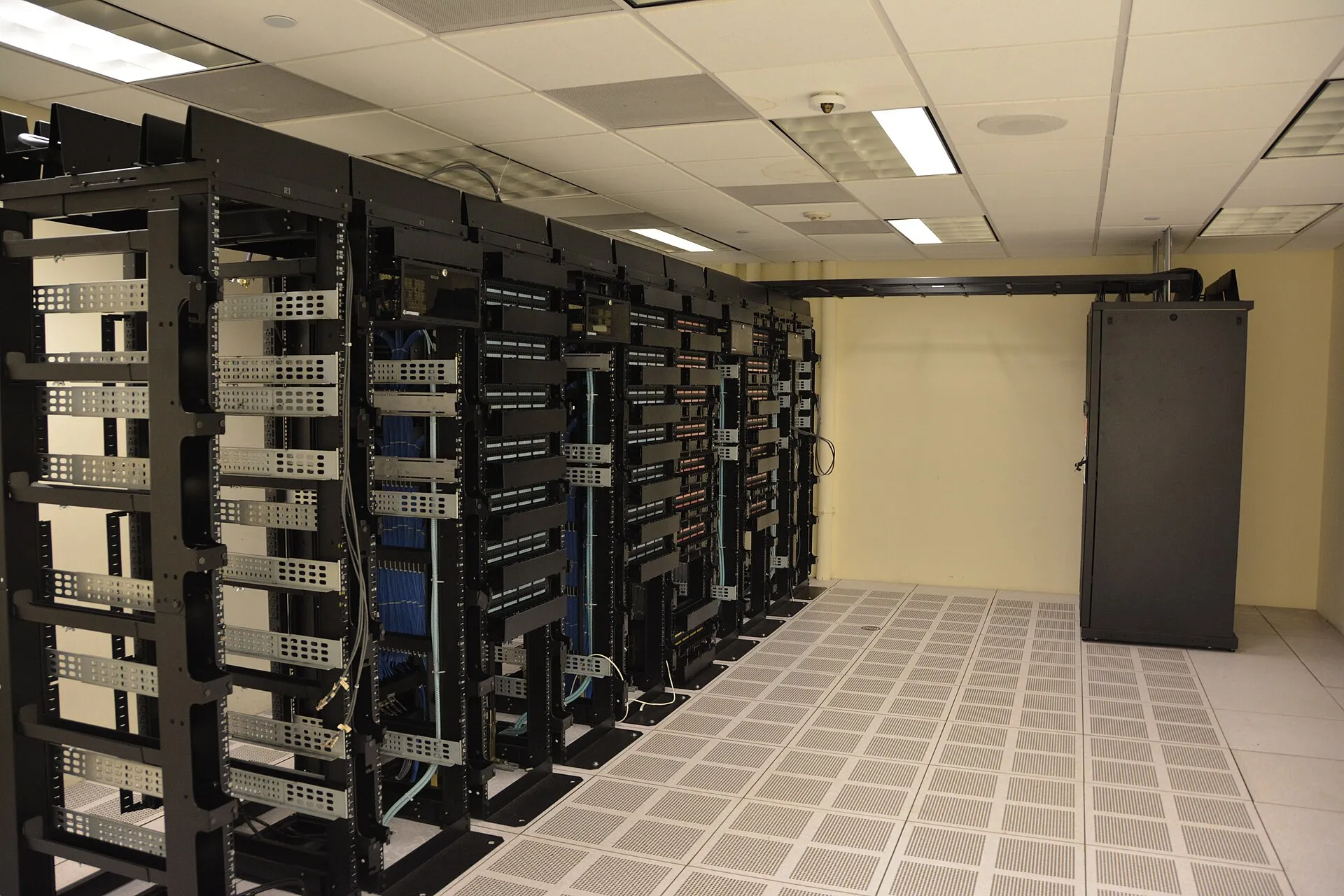
HTTP Archive is a free, public dataset that records how millions of popular websites are built, crawled monthly and stored in Google BigQuery. For an AdSense publisher it answers questions no single site can: how common ads.txt is, which ad tech appears on which tier of sites, and how much third-party code weighs. The Web Almanac publishes yearly analyses built on the same data.
What HTTP Archive actually measures
According to the HTTP Archive FAQ, the URL list is drawn from the Chrome UX Report (CrUX), fed to a private WebPageTest instance on the second Tuesday of each month, and tested on desktop Chrome and on emulated Android Chrome from Google Cloud regions in the US. Each test records the full HTTP archive (every request), a Lighthouse report, detected technologies and a set of JavaScript “custom metrics”.
Two consequences matter for ad research:
- It is a sample of popular sites. If a site is not popular enough to be in CrUX, it is not in HTTP Archive. Small niche blogs are under-represented.
- It is a lab crawl from the US. Ads served, consent banners shown and page weight depend on location and consent state. A crawler in a US data center does not necessarily see what a visitor in Germany sees after accepting a consent message.
Which tables should you query?
The getting-started guide lists the current tables:
| Table | One row per | Use it for |
|---|---|---|
httparchive.crawl.pages |
tested page | technologies, custom metrics (including ads.txt), Lighthouse results, rank |
httparchive.crawl.requests |
resource requested | third-party domains, bytes per request type |
httparchive.blink_features.usage |
feature summary | browser API adoption |
The pages table reference documents the columns you will use most: date (the monthly crawl, required in every query), client ('desktop' or 'mobile'), page, is_root_page, root_page, rank (a popularity rank taken from CrUX), technologies (an array of detected technologies with technology, categories and info) and custom_metrics.
Set up access in five minutes
- Open the BigQuery console in a Google Cloud project.
- Click + Add, choose Star a project by name and type
httparchive(case-sensitive). - Write queries against
httparchive.crawl.pages, always with adatefilter. - Before running, read the “This query will process X” estimate at the top right of the editor.
The free tier covers 1 TB of processed data per month. The getting-started guide puts crawl.pages at roughly 30 TB and crawl.requests at roughly 199 TB, so an unfiltered query can cost real money in seconds.
How do I measure ads.txt adoption?
HTTP Archive runs an ads custom metric on every tested page. The ads custom metric reference says it appears under custom_metrics.other as ads, with three objects: ads (ads.txt), app_ads (app-ads.txt) and sellers (sellers.json). For ads.txt it records present, status, redirected, account_count, account_types.direct and account_types.reseller (each with domains, account_count and domain_count), line_count and variables. The script that produces it is in the custom-metrics repository (Apache-2.0).
This query returns the share of home pages that serve an ads.txt file, by popularity rank bucket:
-- ads.txt presence on mobile home pages, by CrUX rank bucket
SELECT
  rank,
  COUNT(0) AS sites,
  COUNTIF(SAFE.BOOL(custom_metrics.other.ads.ads.present)) AS with_ads_txt,
  ROUND(100 * SAFE_DIVIDE(
    COUNTIF(SAFE.BOOL(custom_metrics.other.ads.ads.present)), COUNT(0)), 1) AS pct
FROM `httparchive.crawl.pages`
WHERE date = '2026-10-01'      -- pick a crawl month (always the 1st)
  AND client = 'mobile'
  AND is_root_page
GROUP BY rank
ORDER BY rank;
Notes before you run it:
- Replace the date with a crawl that exists. Crawls are keyed on the first day of the month.
custom_metricsis a heavy column. Check the bytes estimate; if it is above what you are willing to pay, addTABLESAMPLE SYSTEM (1 PERCENT)after the table name while you iterate.- “Present” means the crawler got a successful response at a URL ending in
/ads.txt. It does not validate syntax. For what a correct AdSense line looks like, see ads.txt line by line.
To see how many sites list Google as a DIRECT seller, read the account_types.direct.domains array, which holds the advertising system domains found on DIRECT lines:
-- Share of ads.txt files with google.com on a DIRECT line
SELECT
  COUNTIF(SAFE.BOOL(custom_metrics.other.ads.ads.present)) AS with_ads_txt,
  COUNTIF('google.com' IN UNNEST(
    JSON_VALUE_ARRAY(custom_metrics.other.ads.ads.account_types.direct.domains))) AS google_direct
FROM `httparchive.crawl.pages`
WHERE date = '2026-10-01'
  AND client = 'mobile'
  AND is_root_page;
The custom metric lowercases the relationship type but keeps the domain as written in the file, so a line written Google.com would not match. Add LOWER() if you need exact counts.
How do I find which ad tech a group of sites uses?
The technologies column holds detections from HTTP Archive’s fork of Wappalyzer. Its category list includes “Advertising”, and its technology list includes “Google AdSense” and “Prebid”. Count detections like this:
-- Top advertising technologies on mobile home pages
SELECT
  t.technology,
  COUNT(DISTINCT root_page) AS sites
FROM `httparchive.crawl.pages`,
  UNNEST(technologies) AS t,
  UNNEST(t.categories) AS category
WHERE date = '2026-10-01'
  AND client = 'mobile'
  AND is_root_page
  AND category = 'Advertising'
GROUP BY t.technology
ORDER BY sites DESC
LIMIT 25;
Detections are pattern-based. A site using Ad Manager to serve AdSense demand, or loading ads only after consent, can be detected differently from what its owner would describe. Use the numbers to compare groups (for example, rank buckets or CMS) rather than as an exact census.
How heavy is third-party code, and what does the Web Almanac say?
For page weight, query crawl.requests and group by the request’s host, or start from the Web Almanac, which has already done the work and publishes its SQL.
The 2025 Third Parties chapter (published January 2026) reports that the top third-party categories are ad, analytics and CDN, that 90 to 92% of pages across rank groups use at least one third party, and that the median page makes 83 third-party requests on desktop and 79 on mobile. It also names adservice.google.com as the second-largest receiver of consent signals among top-ranked sites, behind pubmatic.com.
The 2024 Privacy chapter measured consent frameworks on home pages: 4.2% used any version of the IAB TCF and 4.0% TCF v2, with Automattic the most common TCF v2 compliant CMP in its mobile sample. If you serve EEA traffic, those figures are a reminder that consent tooling is still far from universal; Google’s own requirement is covered in certified CMPs for AdSense.
The 2025 edition has no dedicated advertising chapter (its 16 chapters run from Fonts to Cookies). Older editions are still online, but always quote the edition year and crawl date with any figure.
A reproducible workflow for your own research
- Write the question as a comparison. “Do sites in the top 10k rank bucket list more RESELLER lines than the rest?” is answerable. “What is a good ads.txt?” is not.
- Prototype on a sample.
TABLESAMPLE SYSTEM (0.1 PERCENT)keeps costs low while you fix the SQL. - Fix one crawl month and one client. Mixing desktop and mobile double-counts sites.
- Run the full query once and save the result table in your own dataset.
- Publish the SQL with the result. Anyone can rerun it, which is the whole point of open data.
Common mistakes
- Forgetting the date filter. The docs say it is required, and it is also what keeps the bill down.
- Reading custom metrics as strings. They are JSON. Use
SAFE.BOOL,SAFE.INT64,JSON_VALUEorJSON_VALUE_ARRAYto convert. - Treating HTTP Archive as your traffic. It shows how popular sites are built, not how your audience behaves. For field performance of real Chrome users, use the Chrome UX Report.
- Quoting old numbers as current. Web Almanac chapters are snapshots. State the year and month.
- Assuming the crawl sees consent-gated ads. If a site loads ad code only after a visitor accepts a consent message, an automated test that never clicks “accept” may not record it. Treat low ad-tech counts on EEA-focused sites with caution.
If you want to go beyond the top sites in CrUX and test a list of your own, the Tranco ads.txt research guide shows a small open-source crawler you control.
Open-source tools mentioned
| Tool | Licence |
|---|---|
| HTTP Archive custom metrics | Apache-2.0 |
| Web Almanac (site and analysis code) | Apache-2.0 |
Frequently asked questions
Is HTTP Archive data free to use?
The data sits in a public BigQuery project, so you pay only for the bytes your queries process, and BigQuery's free tier covers 1 TB of processed data per month. The HTTP Archive pages checked for this guide do not state a licence for the dataset itself; the project's code repositories and the Web Almanac site are published under Apache-2.0. Cite HTTP Archive and the crawl date when you reuse figures.
Does HTTP Archive test every page of a site?
No. The URL list comes from the Chrome UX Report, and the pages table has an is_root_page column that separates home pages from other tested pages. Filter on is_root_page = TRUE when you want one row per site. Results describe a sample of popular origins, not your own traffic, so treat them as an industry baseline rather than a forecast for your site.
Can I check whether a specific competitor uses AdSense in HTTP Archive?
Yes, if the site is in the crawl. Filter crawl.pages on root_page or page and unnest the technologies column, which lists the technologies the crawler detected, such as Google AdSense or Prebid. A missing site usually means it is not popular enough to appear in the Chrome UX Report list that feeds the crawl.
Why did my query cost so much?
The JSON columns (payload, custom_metrics, lighthouse) are very large, and the getting-started guide puts crawl.pages at roughly 30 TB. Always filter on date, client and is_root_page, select only the columns you need, read the bytes estimate in the BigQuery console before running, and use TABLESAMPLE while you are still writing the query.
Sources
- Getting started | HTTP Archive Docs · HTTP Archive
- Pages table reference | HTTP Archive Docs · HTTP Archive
- Ads custom metric | HTTP Archive Docs · HTTP Archive
- HTTP Archive FAQ · HTTP Archive
- Third Parties | 2025 | The Web Almanac · HTTP Archive
- Privacy | 2024 | The Web Almanac · HTTP Archive
Related guides
- Chrome UX Report (CrUX) for publishers: field Core Web Vitals for any popular site
Get free field Core Web Vitals for your site and competitors from CrUX: API calls, BigQuery SQL, the new ad metrics, and why your origin may return no data.
- Researching ads.txt adoption with the Tranco top sites list: a tested, reproducible scan
Use the research-grade Tranco ranking to pick domains and scan their ads.txt files: a tested Python script, real results for the top 500 and the pitfalls to expect.
- ads.txt syntax for AdSense, line by line: pub ID, DIRECT, TAG ID, comments and variables
The AdSense ads.txt line field by field: google.com, your pub ID, DIRECT, f08c47fec0942fa0, plus comments, variables and the formatting errors that break parsing.
- IAB Tech Lab and IAB Europe specifications: what an AdSense publisher needs to know
Which industry specs matter to an AdSense publisher: ads.txt 1.1, sellers.json, SupplyChain, OpenRTB, TCF and GPP, with current versions and what each asks of you.